
NetLimiter is a solid Windows-only tool for per-app bandwidth control, but it leaves IT teams without options the moment you step outside that lane. Whether you're managing a shared office network, supporting remote users on Mac or Linux, or just trying to stop one device from killing everyone else's connection, there's a netlimiter alternative that fits the job better than forcing the wrong tool to work.
Best NetLimiter Alternatives for Windows
GlassWire is the most visually approachable option on Windows. It shows a real-time graph of which apps are using bandwidth, flags unusual connections, and lets you block apps from accessing the internet entirely. The free tier covers basic monitoring; paid plans add remote monitoring and longer history.
Where people go wrong is downloading GlassWire expecting NetLimiter-style throttling and finding it doesn't cap speeds per app.
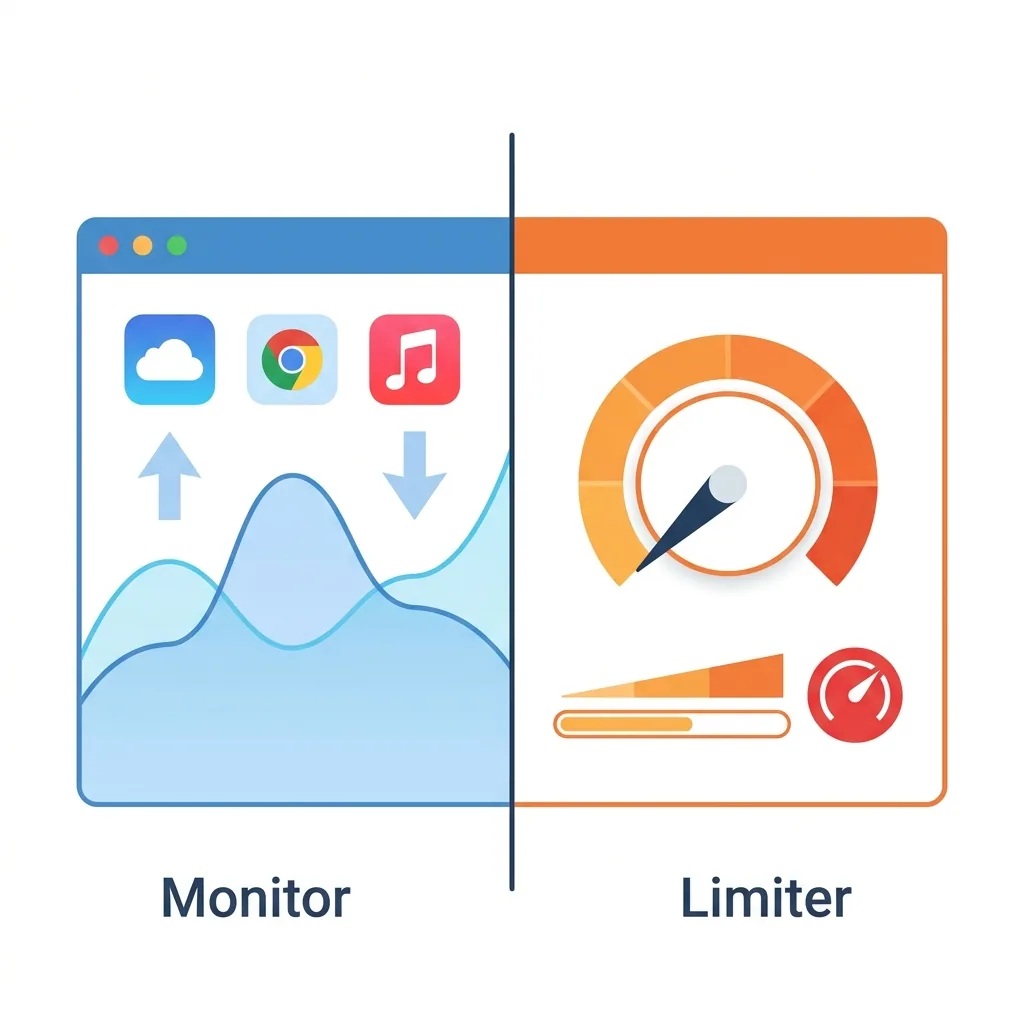
GlassWire is a monitor and firewall, not a limiter. If you genuinely need to cap an app to a specific speed, NetBalancer handles this most reliably on Windows, with a free tier covering up to three processes.
For IT administrators managing shared office networks, the kind where one person's video stream degrades a whole department's performance, per-device control at the network level is usually more practical than per-app control on individual machines. Tools like Perimetery handle that layer without requiring anything installed on client devices, which matters when you're managing 50+ endpoints.
Per-app speed limiting on Windows is a niche feature, most "bandwidth managers" are actually monitors or firewalls, so check that distinction before you buy.
Best NetLimiter Alternatives for Mac
Little Snitch is the de facto standard for per-app network control on macOS. It intercepts outgoing connections before they happen and prompts you to allow or deny them, which is more powerful than simple throttling. It runs around $45, but it's the tool Mac power users actually keep installed long-term rather than uninstalling after a week.
The mistake most Mac users make is assuming macOS has a built-in per-app firewall with a usable interface, it doesn't. Little Snitch fills that gap. For pure traffic monitoring without the firewall component, the built-in Activity Monitor covers basic bandwidth visibility at no cost, though it won't let you control anything. If a Mac on your network is consuming disproportionate bandwidth and you need to throttle it without touching the machine, the more reliable approach is enforcing limits at the router or network level rather than hunting for a macOS-native limiter.
Best NetLimiter Alternatives for Android
NetGuard is a no-root firewall for Android that blocks internet access per app using a local VPN. It's free, open source, and works without root access, which matters on most modern devices where rooting voids warranties and breaks banking apps.
The catch is that because it runs as a local VPN, it can't run simultaneously with an actual VPN. If you use a VPN regularly, AFWall+ is the root-required alternative that handles both scenarios more flexibly. The most common failure mode here isn't the tool itself, it's that toggling off a system service without realizing it breaks background sync on apps like Gmail or your calendar, and the connection between cause and effect takes days to notice.
Best NetLimiter Alternatives for iPhone (iOS)
iOS is the hardest platform to find a true netlimiter alternative for, and that's worth being upfront about. Apple's sandboxing model doesn't allow third-party apps to monitor or control other apps' network traffic the way Android or desktop tools can. The most common failed attempt is downloading a VPN-based "bandwidth monitor" from the App Store that turns out to display only its own VPN traffic, not the per-app breakdown you actually wanted.
What You Can Do Natively on iOS
The most practical controls are built into iOS itself. Under Settings > Screen Time > Content & Privacy Restrictions, you can block specific apps from using cellular or Wi-Fi data entirely. It's blunt, but it works for straightforward blocking scenarios.
Router Firmware as a Whole-Network Alternative
For anything more granular, managing traffic at the router level is the real solution. Apps like Circle or router firmware like DD-WRT let you set per-device bandwidth limits that apply to every device on your network, including iPhones, without needing anything installed on the phone. Network-level tools that enforce policies by MAC address, the approach Perimetery uses on Windows and Linux, are particularly effective here because the limits follow the device regardless of what OS it's running or which IP it picks up.
Third-Party VPN-Based Blocking
Apps like Lockdown Privacy use the local VPN method to block specific domains or trackers. It's not speed limiting, but it handles the blocking use case well within Apple's restrictions.
Setting up network-level bandwidth control covers every device on your subnet at once, phones, laptops, and tablets all fall under the same policy without any per-device configuration.
Best NetLimiter Alternatives for Linux
Wondershaper is a lightweight command-line tool that limits bandwidth at the network interface level. It's not per-app, but it's reliable, ships with most distributions, and takes about two minutes to configure. For per-app control, tc (traffic control) combined with cgroups gives you fine-grained results, but you're writing iptables-style rules from the command line, so it's only realistic if you're already comfortable in that environment.
nethogs is the go-to for monitoring which process is using bandwidth in real time. Think of it as the Linux equivalent of NetLimiter's display panel, without the limiting features. Most bandwidth problems on Linux get diagnosed faster with nethogs than with anything else, simply because people rarely know which process is actually responsible until they look.
The bandwidth tooling on Linux tends to split between what's powerful and what's usable, and rarely both at once.
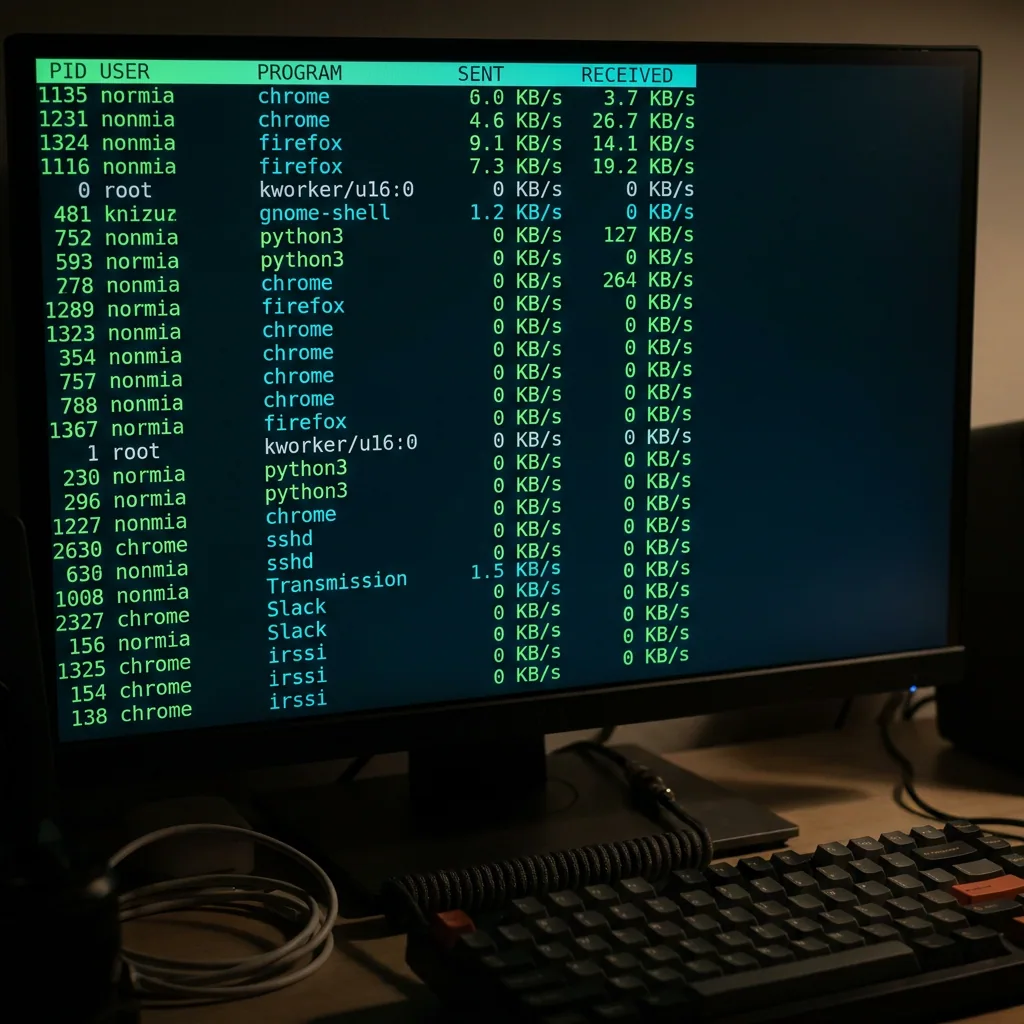
Wondershaper is the right starting point for most users, with nethogs running alongside for visibility. For Linux-based network hosts managing traffic across a subnet rather than just locally, Perimetery's Linux support covers the network-wide control layer that command-line tools alone can't easily replicate.
The right netlimiter alternative comes down to two things: your platform and whether you need to limit speeds, block connections, or just see what's happening. Those are meaningfully different jobs. Pick the tool that matches the actual problem, start with monitoring if you're not sure, since it's almost always free and usually answers the question within minutes.
Frequently asked questions



See every device on your network
Perimetery PRO shows live upload and download per device, and lets you cap or block any of them in one click. Runs on one Windows machine, no agents to deploy.
See pricing