
Netflix streaming uses between 1 Mbps for standard definition and 25 Mbps for 4K Ultra HD, and the quality tier you're watching at makes a bigger difference than most people expect. What actually catches households and shared office networks off guard isn't the single-stream requirement, it's the moment multiple people try to watch simultaneously and the whole connection falls apart.
Plan for at least 50 Mbps if more than one screen in your home or office runs Netflix regularly, and bump to 100 Mbps or higher if anyone watches in 4K.
Netflix Minimum vs. Recommended Speed by Video Quality
Netflix publishes minimum speeds, but "minimum" means the stream technically loads, not that it stays at the quality you want. At the minimum threshold, Netflix's adaptive bitrate system is constantly throttling the picture up and down to avoid buffering, so you'll often land below the quality you expect even when nothing appears to be wrong.
| Quality | Minimum Speed | Recommended Speed |
|---|---|---|
| SD (480p) | 1 Mbps | 3 Mbps |
| HD (1080p) | 5 Mbps | 10 Mbps |
| 4K Ultra HD | 15 Mbps | 25 Mbps |
Stay above the recommended number and Netflix locks in the resolution.
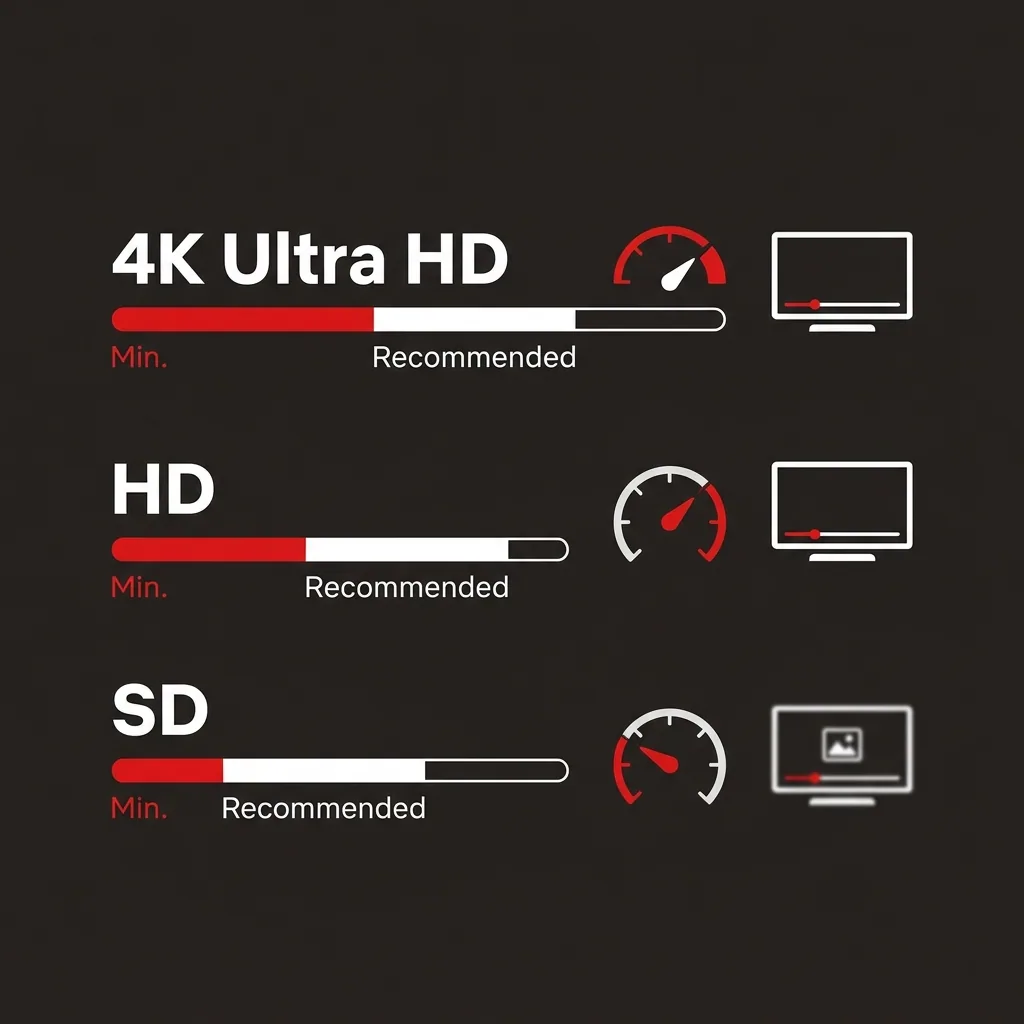
Hover near the minimum and you're watching whatever the algorithm decides to give you.
One thing worth understanding: your plan speed is a ceiling, not a guarantee. If your household or office connection is pulling 25 Mbps total and Netflix needs 15 Mbps for 4K, there isn't enough left over for anything else on the network. That math surprises people every time, and in shared environments like offices or coworking spaces, it surprises IT managers even more often.
Netflix Streaming Data Usage Per Hour
Speed is real-time throughput; data is cumulative consumption. Both matter, especially if your ISP has a monthly cap. In HD, Netflix burns through roughly 3 GB per hour, about 6 GB for a standard movie. In 4K, that climbs to around 7 GB per hour, or 14 GB for a two-hour film. SD sits around 1 GB per hour.
A household watching two hours of HD Netflix per night will consume roughly 180 GB per month on streaming alone. Add a second HD screen and you're near 360 GB. Most data caps land between 1 TB and 1.25 TB, so moderate users are usually fine, but homes and offices with multiple 4K screens hit that ceiling faster than expected, and usually don't realize it until they get a notice from their ISP mid-month.
Bandwidth Needs for Multiple Simultaneous Netflix Streams
This is where household and office math gets genuinely tricky, and where most plans get undersized.
Single viewer, HD
5-10 Mbps handles this cleanly. Any modern broadband plan covers it.
Two simultaneous HD streams
You need 10-20 Mbps dedicated to Netflix. A 50 Mbps plan gives you that with room for phones and laptops. People often skip straight from a single-stream estimate to buying a 25 Mbps plan, then wonder why things degrade the moment a second screen turns on.
Family of 4 or a small office break room with 3 simultaneous streams (mixed HD and 4K)
Budget 40-50 Mbps for Netflix alone, which means 100 Mbps is the practical floor. The mistake here is buying a plan that covers peak Netflix load but leaves nothing for everything else running in parallel, smart home devices, a Zoom call, phones on Wi-Fi. In an office environment, this is where IT helpdesk tickets about "slow internet" tend to spike, because nobody's accounting for the cumulative draw.
Heavy 4K household (2-3 simultaneous 4K streams)
50-75 Mbps just for Netflix. You want 200 Mbps or better. Anything less and you're managing buffering rather than preventing it.
Most buffering complaints aren't Netflix's fault.
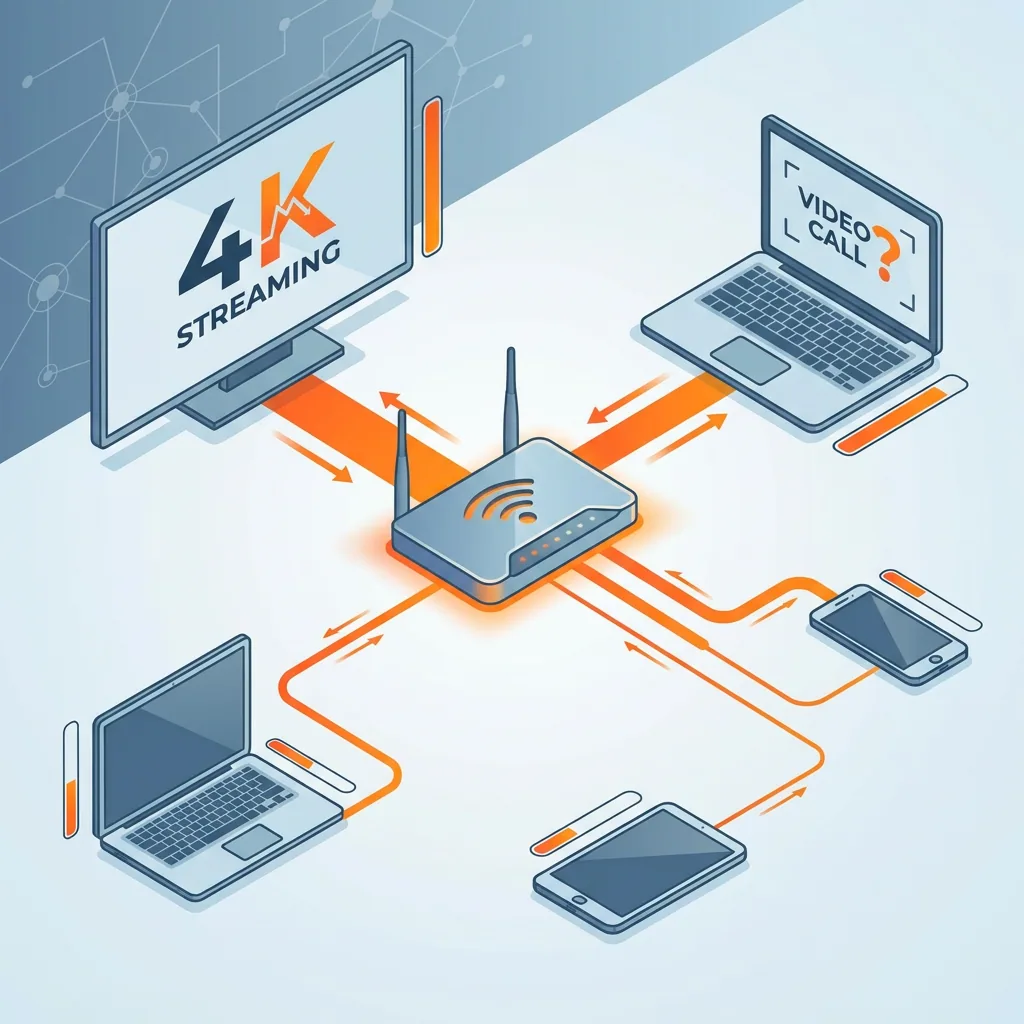
The plan is just undersized for how the network is actually being used at 8 PM on a Tuesday, or at noon in a shared office when three people stream during lunch.
Add up your peak Netflix load across all active screens, then add 20-30 Mbps on top for smart devices, phones, IoT equipment, and any video calls running at the same time.
How Netflix Compares to Other Streaming Services
At HD, Netflix, YouTube, Disney+, and HBO Max all require roughly the same bandwidth, around 5 Mbps per stream. At 4K, they converge even more tightly, all landing between 15 and 25 Mbps. Netflix is not an outlier in either direction.
The practical implication: the platform matters far less than the number of simultaneous streams. A household running Netflix in the living room, Disney+ on a tablet, and YouTube on a kid's laptop is pulling 15-20 Mbps minimum at HD. In a shared office network, the same dynamic plays out across departments, and it's rarely obvious which devices are responsible until someone actually looks. Tools like Perimetery give network admins real-time per-device visibility into exactly this kind of cumulative drain, which is usually where the diagnosis starts.
Choosing the Right Internet Plan for Netflix
Solo viewer watching HD: 25 Mbps is workable, 50 Mbps removes the anxiety entirely. Two screens: 50-100 Mbps. Three or more screens with any 4K in the mix: 200 Mbps is worth taking seriously.
In most markets, the price gap between 100 Mbps and 200-300 Mbps plans is smaller than people expect, often under $10 a month. The quality difference between a congested 50 Mbps line and an uncrowded 200 Mbps line is not subtle during peak evening hours when neighborhood-level congestion kicks in, that's when undersized plans reveal themselves.
Buffering during a 4K movie almost always traces back to plan speed, not Netflix. The worst version of this plays out in homes, and offices, that upgraded their screens to 4K but never revisited the connection supporting them. Underestimating peak usage is the single thing most households discover too late: not that their plan was cheap, but that they never actually measured what their network was doing at full load before signing up for it.
Know your actual peak usage before committing to a plan. That number, not the headline speed, is what determines whether Netflix works the way you expect it to.
Frequently asked questions



See every device on your network
Perimetery PRO shows live upload and download per device, and lets you cap or block any of them in one click. Runs on one Windows machine, no agents to deploy.
See pricing